
Excel Highlight Feature – Focus Cell
Table of Content
Excel now has a feature for highlighting cell you have selected.
This feature is called Focus Cell and can be accessed from the View tab.
When this feature is turned ON, the selected cell will be highlighted.
You can also change this highlight to any color you like.
In the past, you had to write Visual Basic code to achieve this, but now it’s a standard feature. Great.
This feature is especially useful when working with tables that have many columns.
This highlight feature is enabled by default during searches.
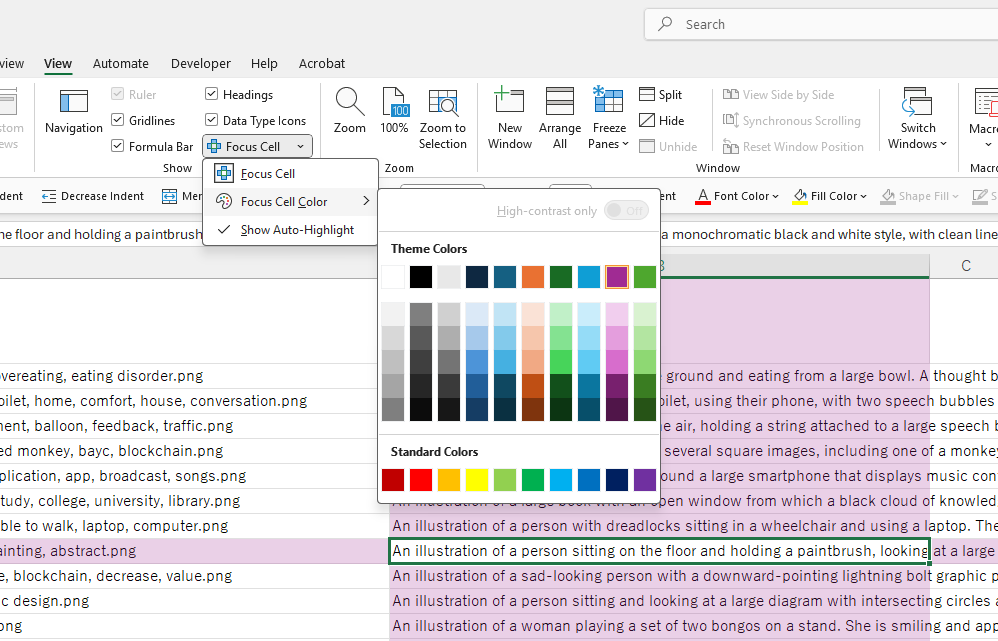
The menu screen for Focus Cell feature
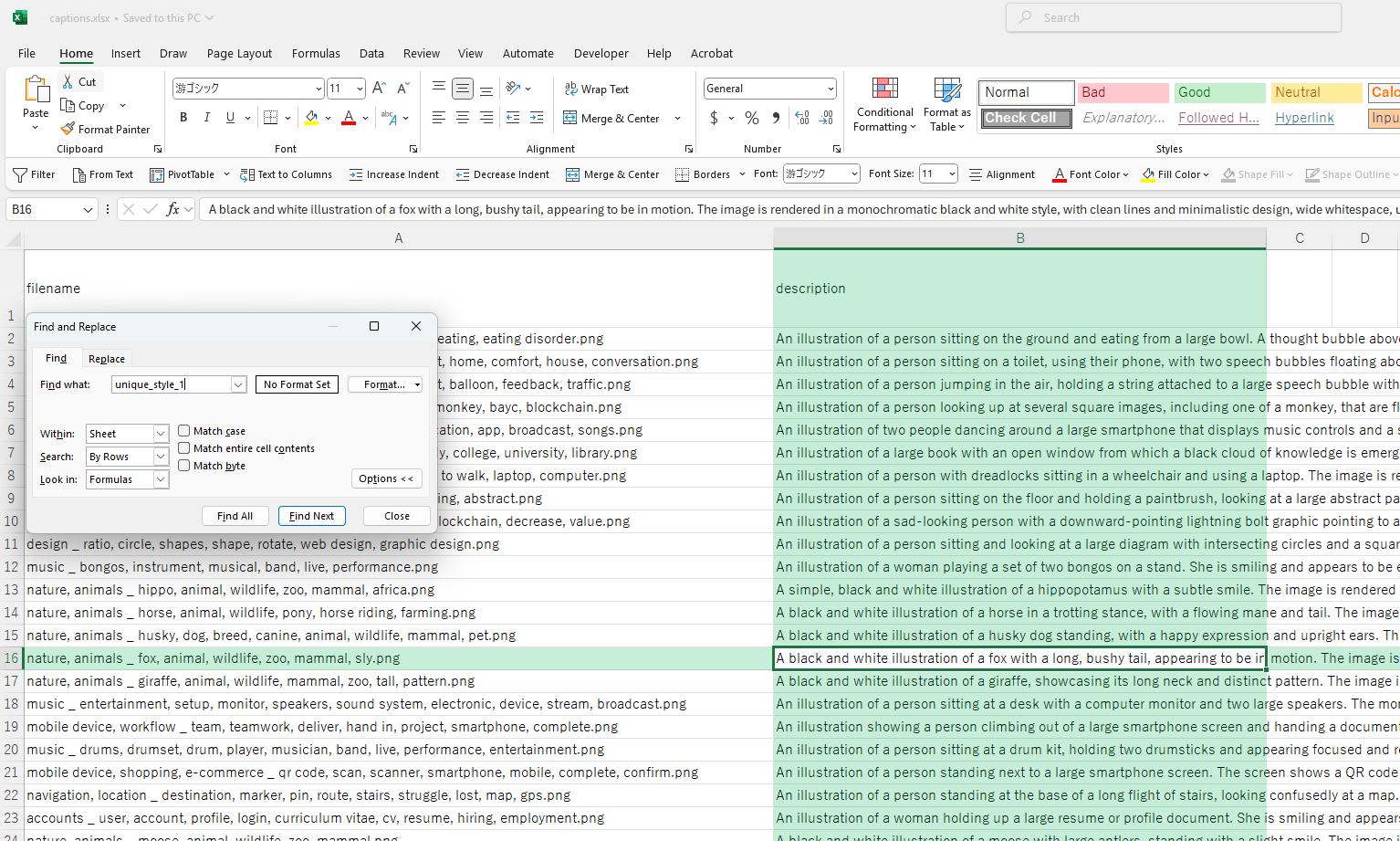
Example of the highlighting feature during search
