
You can view past and scheduled post dates in the WordPress publish date menu
Table of Content
When you look at the calendar that appears when you select a date to publish an article in WordPress, there are days that are marked with a dot.
These are days when you posted articles in the past, or when you have scheduled posts.
I just noticed now.
This is useful when you are considering article publish schedule.
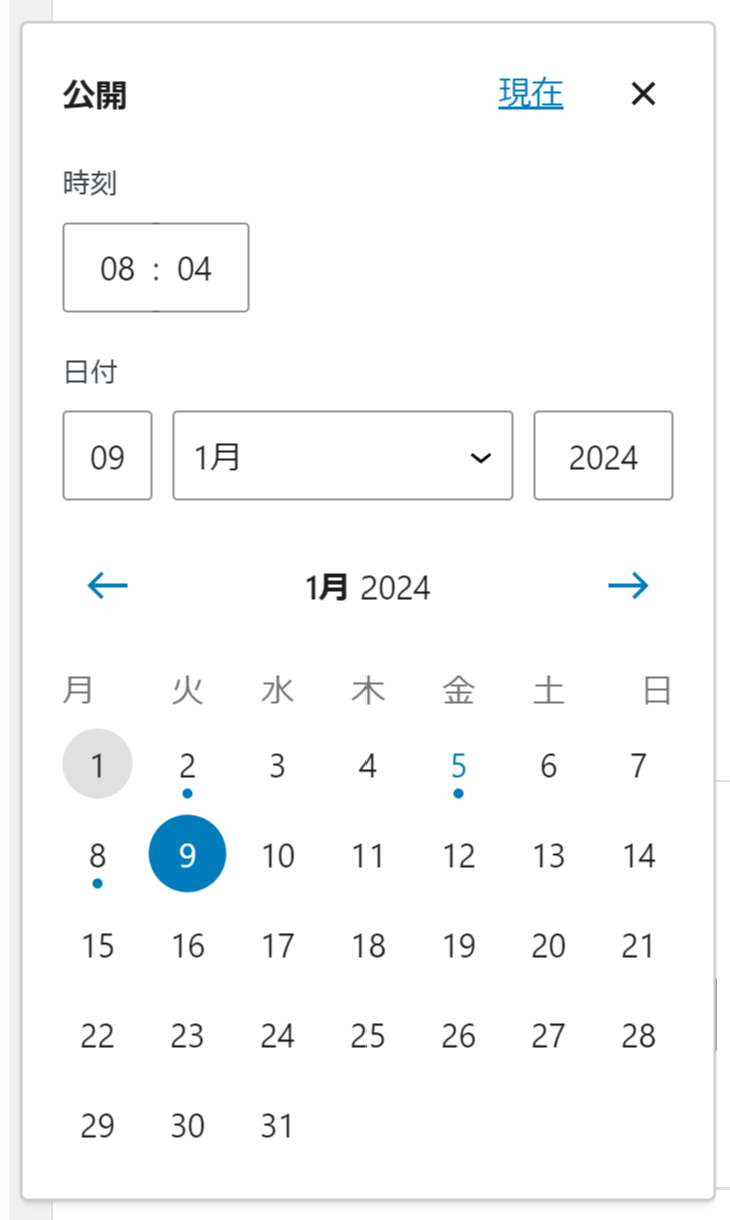
Dates with a dot are when post is or will be published
Here is the video.

You can see when your posts were or will be published in WordPress cPanel
YouTube
You can see the published date or scheduled date of your articles in WordPr
